
Most teams find out about a malicious package when someone else publishes the advisory. Tell us which ecosystems you ship in, how your pipeline is set up, and what you’re trying to catch. We’ll walk you through the Ossprey platform and show you how we can help secure your pipeline.
Step 01
A member of the Ossprey team replies within two business days.
Step 02
30 minute call scheduled to demo and help answer your questions to best fit Ossprey into your pipeline.
Step 03
Access Ossprey and trial protecting your pipeline with dedicated support on hand.
Recognised by:


How it works
Scanning by the end of the afternoon.
01
Connect GitHub
Install the app and pick the repos in scope. Read-only by default.
02
Scan on every change
Manifests and lockfiles are resolved, then every package is behaviourally analysed.
03
Triage in the Security Desk
Findings ranked Critical to Info, with evidence attached and alerts routed to Slack.
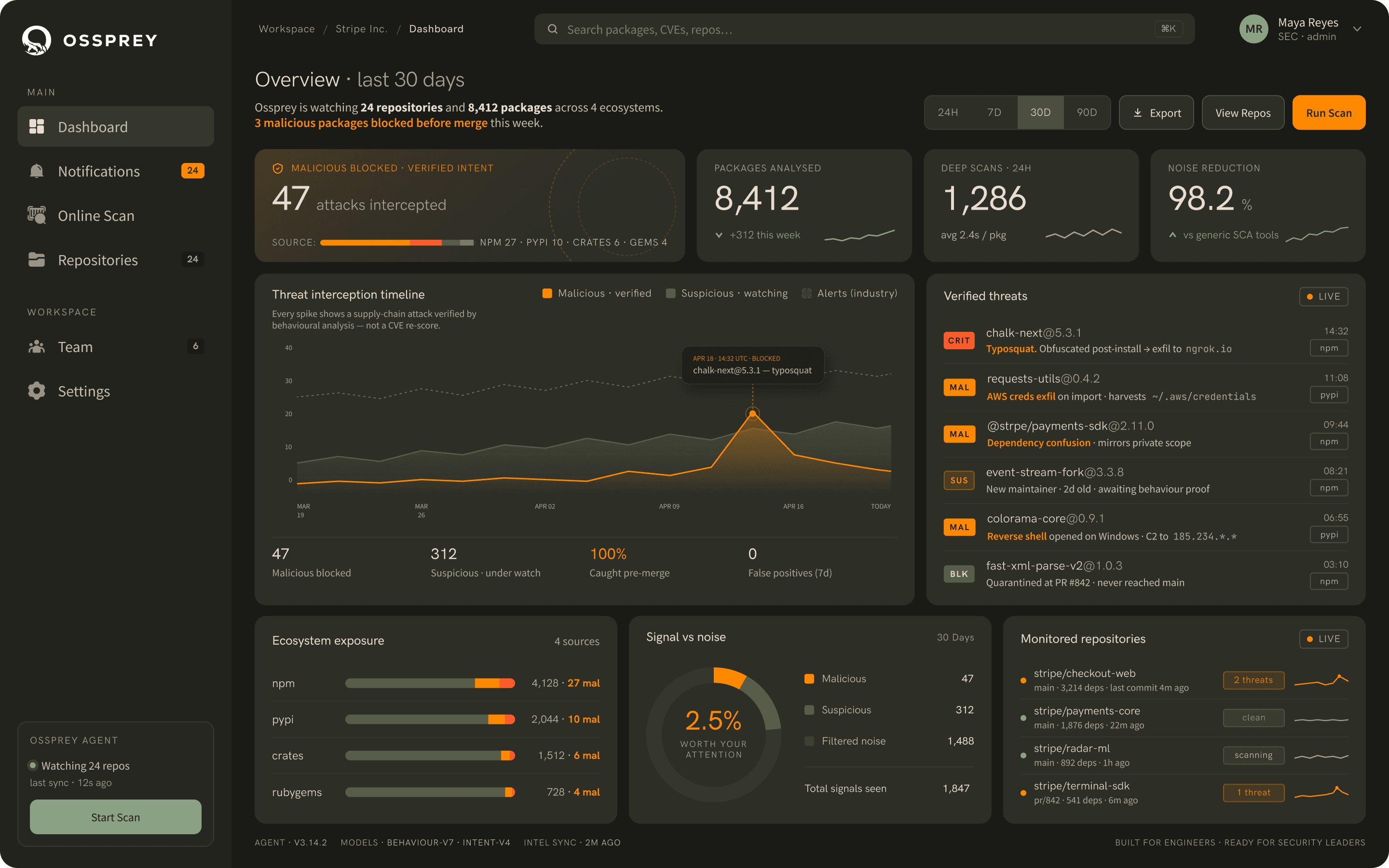
More ways to integrate
The GitHub App is one entry point. The same behavioural analysis also covers local installs and AI-generated code.
Local development
Ossprey CLI
Block malicious packages before npm, pnpm, yarn, pip, poetry, or uv installs them.
$ npm install chalk-next
ossprey: WARNING: chalk-next:1.0.4 contains malware.
ossprey: blocked npm install chalk-next
AI-assisted development
Cursor Plugin
Check JavaScript/TypeScript and Python packages Cursor wants to install before they reach your workspace.

Explore Cursor
